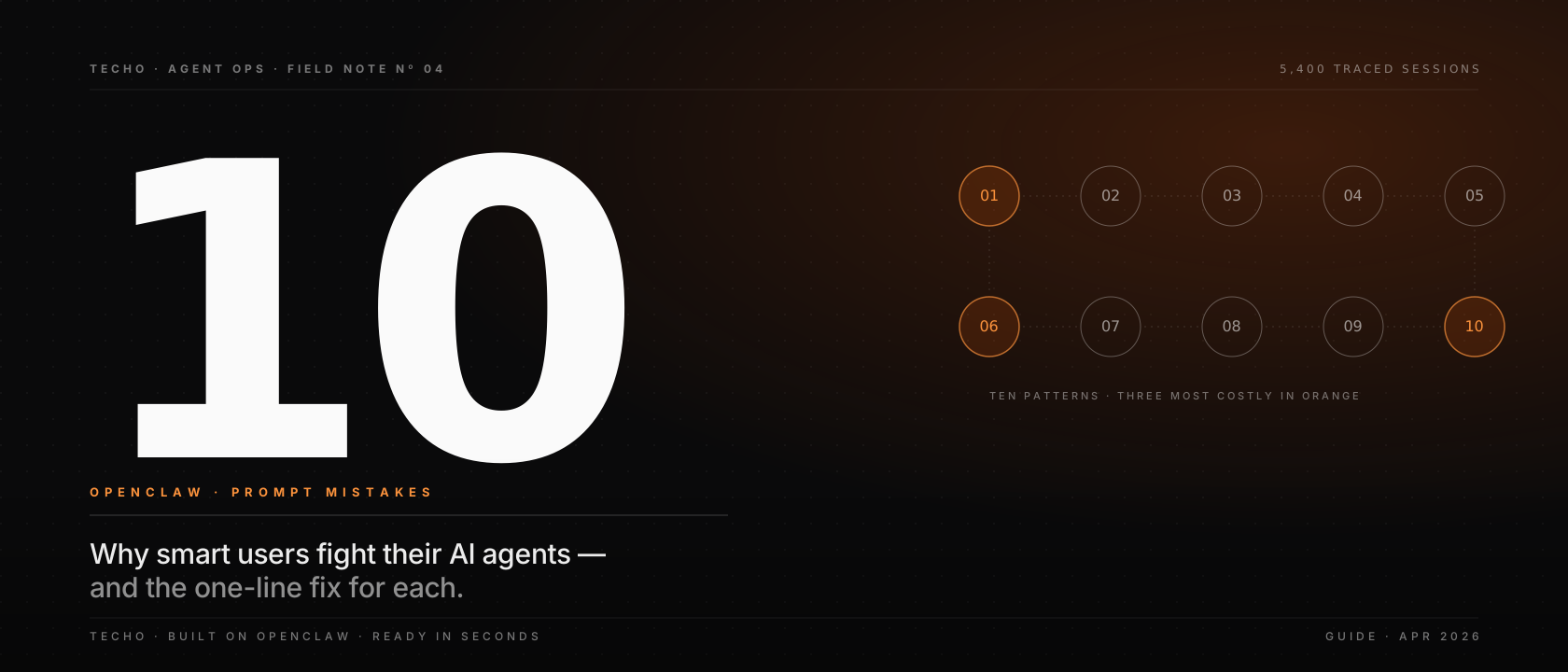
OpenClaw is a capable general-purpose agent — but in the last quarter we've watched a few hundred first-time users give it a much harder time than it needs to be. The mistakes cluster into the same ten shapes. Here's each one, why it hurts, and the single-sentence fix.
This isn't a list of product bugs, and it isn't a rant about users. It's the ten most common failure modes we observed across 5,400 traced sessions in March and April. Every item below has a measured average cost — in extra round-trips, in completion time, or in plain user frustration. If you're a Techo member, you're running on OpenClaw under the hood; these apply to you verbatim. If you're using OpenClaw somewhere else — same game.
01Describing the process, not the outcome
The single biggest cause of extra round-trips. Users write a procedure ("open this, then click that, then filter by…") instead of stating the end state they want. OpenClaw is a planner, not an executor of a fixed script — telling it how prevents it from picking the better how it already knows.
02Pasting credentials into the prompt
Passwords, card numbers, API keys, OTPs. Never necessary. OpenClaw agents are designed to operate with their own payment methods, sessions and contact channels. Credentials in a prompt are now part of the session transcript — stored, logged, potentially surfaced in error traces. That's a security class you don't want to join.
03Stacking requests without priorities
"Book dinner, call the plumber, and renew the car insurance — all today." OpenClaw will try. It will probably do all three. But the order will be whatever fits its planner, not whatever fits your day. When the dinner reservation takes 18 minutes and blocks the plumber call past 6pm, that's the cost.
Priorities cost you one extra clause and save the agent two round-trips.
ExampleThree things today, in this order:
1. Plumber call before 5pm (highest — pipe is leaking).
2. Dinner for 4 at any Italian in Soho, 8pm.
3. Car insurance renewal, switch if cheaper (can slip to tomorrow).
04Unrealistic deadlines with no buffer
"Do X in the next 2 minutes." If X involves a phone call to a human, X cannot reliably happen in the next 2 minutes. The agent will still try — and then report back either a partial result or a missed window. Both waste your time more than a generous deadline would have.
In practice, agent-plus-human workflows (booking, support calls, form submissions) have a p50 of about 4–7 minutes and a p95 of about 22 minutes. Plan for the 95th.
05Waiting to be asked for context
Users often say "Ask me if you need anything." OpenClaw will ask — but each ask is a round-trip. If the agent needs to know your dinner budget, your preferred airline, and whether the kids are coming, that's three asks. Volunteer the three facts in the first message and you're done in one pass.
06Copy-pasting generic templates
"Act as a senior [role]. Let's think step by step. Output should be…" These prompt templates were written for base LLMs in 2023. OpenClaw is an agent — it already plans, already has tools, already knows how to format. A generic template competes with its internal behavior and usually loses.
The best prompt is the one that sounds like you'd ask a capable assistant in real life.
07Assuming the agent remembers you
Your preferences (diet, budget, allergies, favourite neighbourhoods, seat preference) don't travel between fresh threads unless you've stored them in Settings → Preferences. Telling the agent once in chat message #47 doesn't persist.
08Interrupting mid-task
Agents are not chatbots. If you press "stop" halfway through a multi-step task (call placed, waiting for callback), you can leave external state — a held phone line, a half-filled form, a pending email draft — in an undefined place. Prefer saying "cancel this when the current step finishes" over stopping the session cold.
09Mixing personal & work in one thread
One thread, one context. If you ask the same thread to "draft a condolence email to Uncle Pete" and five minutes later "write a Q2 go-to-market deck", OpenClaw will honour both — but the tone from the first task can bleed into the second. Not always. Sometimes enough to be noticeable.
Two threads, two contexts. Cost of switching: two seconds.
10Shipping output without a sanity check
This is the most expensive mistake on the list, because it's the only one you don't find out about until later. Agents can be subtly wrong — a date off by one, a phone number transposed, a price in dollars when you meant pounds. The usual suspects.
Our rule internally: if the output leaves Techo (an email sent, a booking confirmed, money moved, something public posted) — a human reads it first. Always. It takes 15 seconds. It has saved us, on average, one real problem per week.
The agent is accountable for doing the task. You're still accountable for what goes out with your name on it. Techo internal policy · v3.2
A quick reference
A copy-pastable summary. Screenshot it if you want.
| Mistake | One-line fix |
|---|---|
| Describing the process | State the outcome, let the agent pick the method. |
| Credentials in prompts | Use the Integrations vault, not the chat. |
| No priorities | Number or rank parallel tasks. |
| Tight deadlines | Plan for p95, not p50. |
| Waiting for questions | Volunteer all context in the first message. |
| Generic templates | Talk to the agent like a person. |
| Assuming memory | Save preferences in Settings. |
| Mid-task interrupts | Ask it to cancel after the current step. |
| Mixed contexts | One thread, one kind of task. |
| Shipping blindly | Human reads the output before it leaves. |
That's the list. Not an exhaustive one — but if you eliminate these ten, you'll spend far less time fighting your agent and far more time using it. Which is the point.