OpenClaw is a brilliant agent runtime — for engineers. Out of the box it asks you to wire prompts, register tools, configure memory, and run a server. None of that is unreasonable; it is just not work most people want to do. The question is what a non-developer needs from an agent built on the same engine, and how to get there without learning a stack.
§The short answer
Most pieces about OpenClaw are written for the people building on it. This one is for everyone else — the founders, operators, parents, and analysts who would delegate work to a capable agent if the on-ramp did not start with a clone command.
01Why OpenClaw assumes you can ship code
OpenClaw was designed as a runtime, not a product. The engine handles the loop — planner, tool calls, memory, sandboxes — and leaves everything around the loop to whoever is integrating it. The right shape for a runtime. Also why a fresh checkout looks intimidating to anyone who has not opened a code editor recently.
Three examples of the engineer shape. Tools are typed contracts: each one is a function the agent can call, with a schema and a handler that someone has to write. Memory is a configuration: you pick a backend, an embedding model, and a retention policy, and wire them into the engine on start. The agent itself is described in a configuration file, not a UI: prompts, permissions, schedules and routing all live as text the engine reads at boot.
None of that is hostile, but it adds up. A non-developer reading the docs is reading docs that assume a comfortable relationship with terminals, environment variables and merge conflicts. The piece on what is OpenClaw walks through the engine itself; even there, the audience is clearly an engineer evaluating a runtime.
02What non-developers actually want from an agent
Strip away the runtime jargon and the wishlist is short. A non-developer wants an assistant that behaves like a competent colleague: it remembers them, takes a brief in plain English, acts on a few things they already use, asks before anything irreversible, and reports back.
1. A normal interface
A chat window, a task list, a settings page. Not a YAML file, not a config repository. The same shape as any other app on the laptop.
2. Memory that just exists
The assistant should remember preferences and prior runs without a setup step. No vector database to provision, no embedding model to choose.
3. Tools that are pre-wired
Calendar, email, search, calls, payments — the stuff already in daily life. Click to connect, not write a handler.
4. Sensible defaults
The model, the routing, the safety checks. All chosen for them, with the option to adjust later if curiosity strikes.
5. A confirmation step
Before the assistant sends a message, makes a booking, or spends money, it asks once. Predictable, not silent.
6. A bill they can read
One subscription, predictable monthly amount, no surprise tokens line on a credit card statement.
Notice what is missing from that list: prompt engineering, model selection, MCP servers, observability, retry policies. Those things matter, but they belong to the runtime — which is exactly what an engineer is supposed to handle. A non-developer wants the result of that work, not the work itself.
03The five jobs Techo wraps around the engine
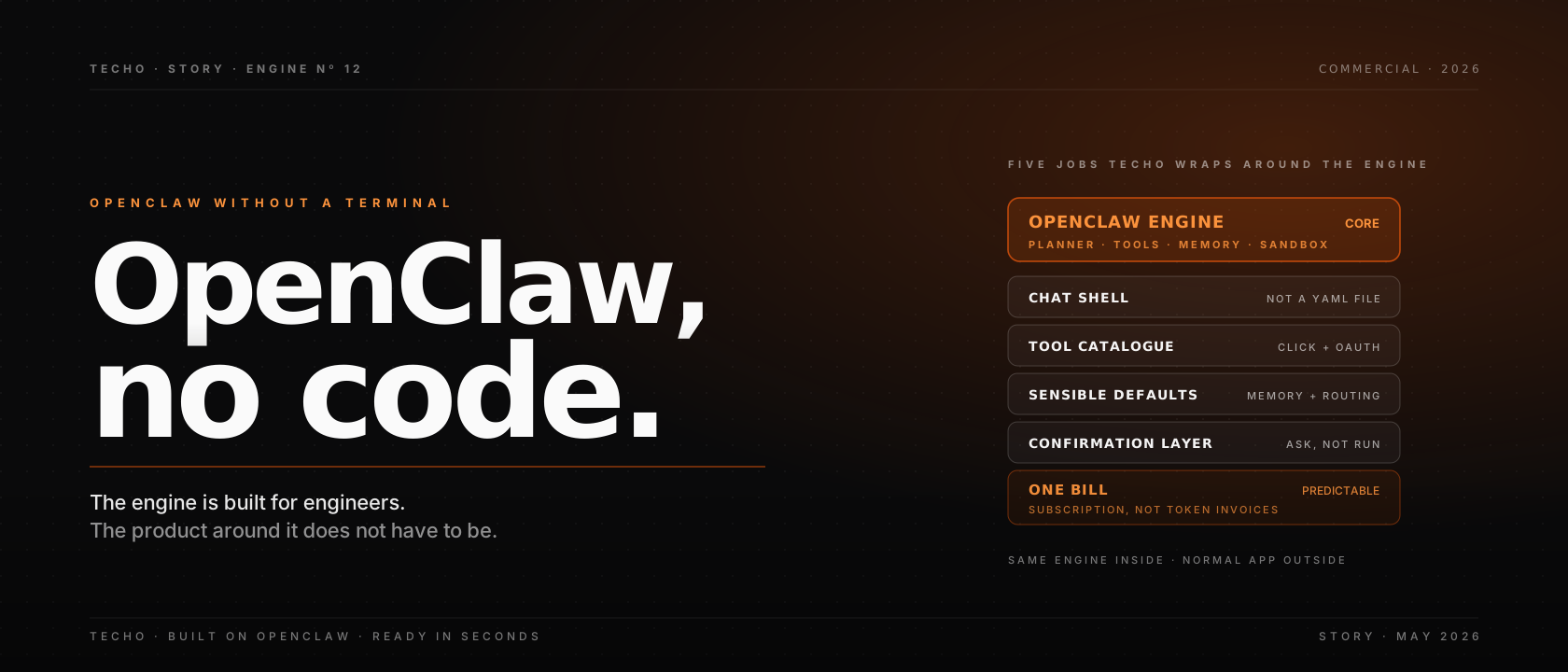
Techo is built on OpenClaw. It does not replace the engine; it does the five jobs an engineer would otherwise do by hand, packaged as a normal product. None of these are exotic, but together they are what turns a runtime into something a non-developer can pick up.
1. A conversational shell. The interface is chat plus a task list, not a config file. New jobs are described in English; the runtime translates intent into the planner’s language.
2. A curated tool catalogue. Calendar, email, search, browsing, payments, file storage and a growing list of vendor SaaS arrive pre-wired. Connecting one is a click and an OAuth flow.
3. Sensible defaults for memory and routing. The memory store, embedding model, retention policy and model routing are picked once, by the platform, on behalf of everyone. Power users can change them; nothing requires it.
4. A permission and human-in-the-loop layer. Anything irreversible — sending email, spending money, deleting a file — surfaces a confirmation in the app. The default is “ask”, not “run”.
5. A normal billing surface. One subscription, one invoice, predictable monthly amount. Token usage, server time and integration costs roll up into the price.
04A day in the life: hosted OpenClaw without code
What does it look like in practice? A founder signs in, connects a calendar, an inbox and a payments provider, and writes a short brief: “You handle scheduling, weekly summaries and follow-ups. Always confirm before sending email.” That is the configuration step. From that point on, the interaction is the same as messaging anyone competent.
Through the morning, the agent moves a meeting, drafts and sends two follow-ups (each surfaced as a confirmation), and books a restaurant for the team dinner. In the afternoon, it writes the weekly summary, flags one expense for review, and reminds the founder that an annual renewal is due. Each action shows up as a row in the task list, with the model exchanges, tool calls and outcome attached.
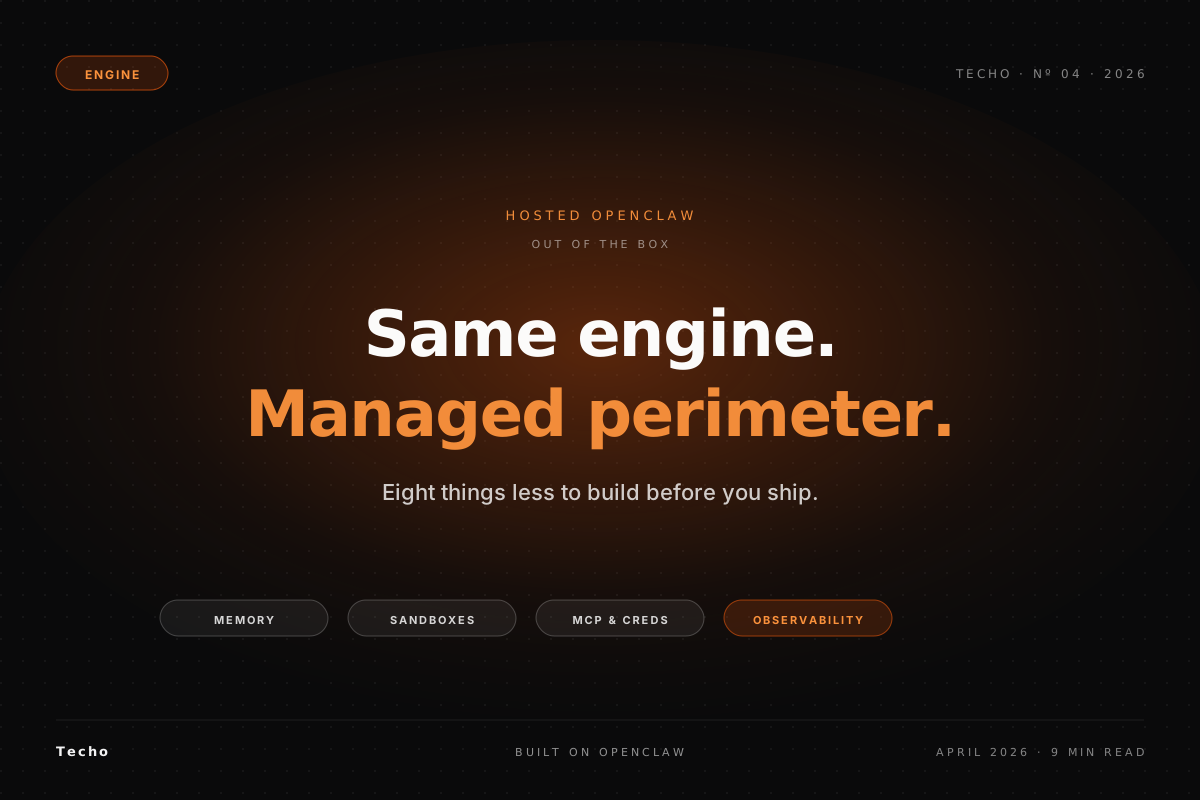
What is not happening: nobody is editing a YAML file, restarting a process, rotating a key, or watching logs. The OpenClaw engine is doing all of those things underneath; the surface is just an app. The piece on Techo as OpenClaw hosting walks through the managed operations layer in detail.
05What you give up by skipping the code path
The honest answer: control over the perimeter, in exchange for time. With self-hosted OpenClaw an engineer chooses the model versions, the data residency, the exact tool stack, the retention policy and the deployment topology. Hosted OpenClaw decides defaults for those and exposes the knobs that actually matter at the user’s level.
For most non-developers that trade is favourable. The choice between a thirty-day platform sprint and “sign in and start working” is not really a choice for someone who does not run a platform team. The cost of the hosted convenience is a smaller surface for customisation, and a dependency on whoever runs the perimeter to keep their defaults sensible.
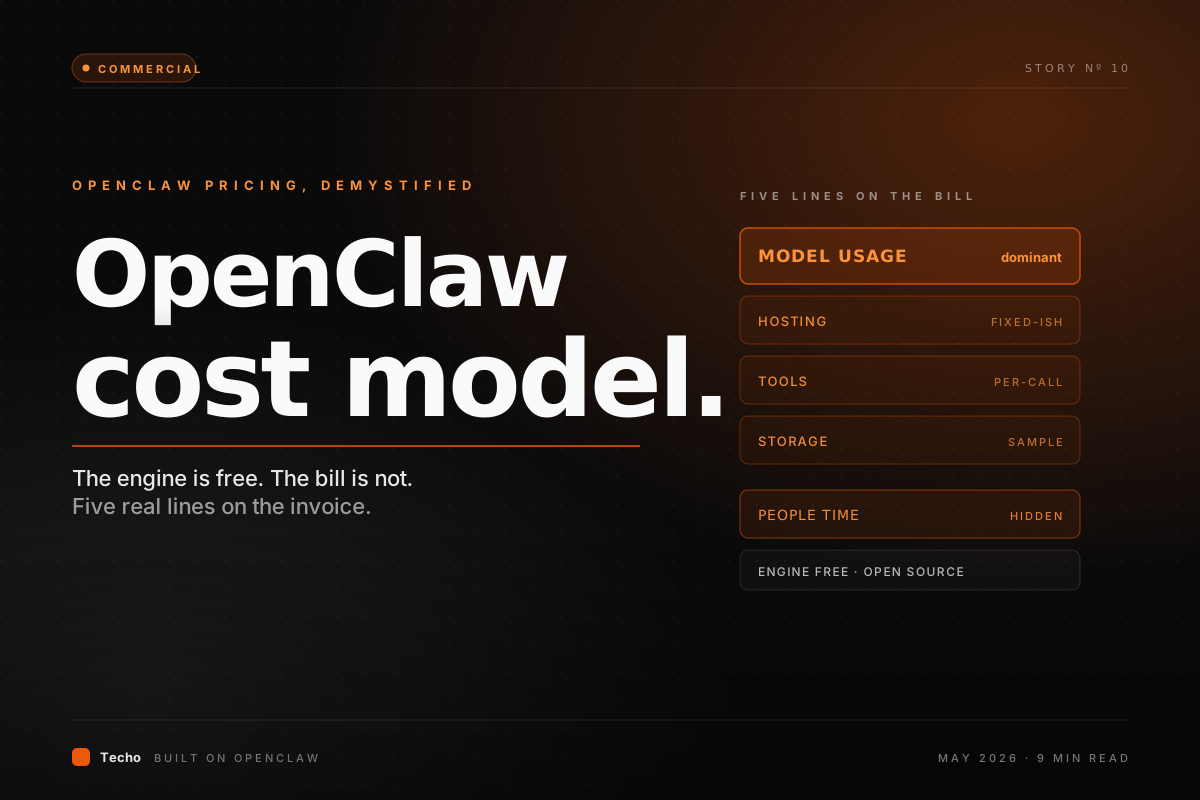
For a regulated team, a security-sensitive workload, or anyone who needs to pin precise versions and data paths, the trade flips. The piece on OpenClaw cost model spells out the self-host bill, including the operator-time line that hosted OpenClaw absorbs into a subscription.
06When self-host still wins for non-dev teams
Even without an engineer of their own, some non-developer teams are better off paying for self-hosting than running a managed product. The shape is usually the same: a small organisation with one technical contractor, a hard requirement that data stay inside a specific perimeter, and a workload narrow enough that the platform sprint is one weekend rather than one quarter.
In that shape, the contractor stands up the engine, pre-wires the few tools the team needs, hands them a chat surface, and vanishes for six months. The residual operator burden is small. Outside that narrow shape, the setup tends to drift: tools change, models upgrade, the contractor moves on, and the burden quietly becomes someone’s problem. Hosted OpenClaw exists precisely so that drift is somebody else’s job. The piece on OpenClaw vs Claude Code covers the operations difference between agents that have a perimeter and ones that do not.
07Three personas, three setups that fit
Three sketches that map most non-developer cases:
| Persona | Best fit | Why |
|---|---|---|
| Solo founder, no engineer | Hosted OpenClaw via Techo | Wants leverage today. Cannot afford a platform sprint or an operator. The hosted surface compresses both into a subscription. |
| Small team with one contractor | Self-host for narrow workload | Has the technical surface to ship a thin internal app. Trades a one-off project for control over the perimeter. |
| Family or individual user | Hosted OpenClaw via Techo | Wants a competent assistant, not a platform. Curated tools and sensible defaults are exactly the point. |
The decision is rarely about technical purity. It is about where the team’s leverage actually is. Non-developers spend their leverage on the work the agent does for them, not on the runtime running it. Hosted OpenClaw lines up with that priority.
☰Cheatsheet: OpenClaw without code, in one table
A scannable grid for keeping the trade-offs straight:
| Question | Self-host | Hosted via Techo |
|---|---|---|
| Setup time | Days to weeks | Minutes |
| Day-to-day operator | Half FTE plus | None |
| Tool wiring | Code per integration | Click + OAuth |
| Memory + routing | You configure | Sensible defaults |
| Confirmations | You implement | Built into the surface |
| Billing | Several invoices | One subscription |
| Customisation ceiling | Very high | High where it matters |
| Best fit | Engineer-led teams | Everyone else |
?FAQ
Can I use OpenClaw without writing code?
Not directly. OpenClaw is a runtime designed for engineers: you wire prompts, tools, memory and sandboxes through configuration files and code. To use OpenClaw without coding, you reach for a hosted product built on top of it. Techo is one such product: the engine underneath is open-source OpenClaw, the surface on top is a normal app with chat, settings and a task list.
What does Techo add to OpenClaw for non-developers?
The five jobs an engineer would otherwise do by hand: a conversational interface, a curated tool catalogue, sensible defaults for memory and routing, a permission and human-in-the-loop layer, and a billing surface. The OpenClaw engine inside is unchanged; what Techo adds is the operations layer and the product around it.
Is Techo a no-code OpenClaw builder?
Closer to a hosted, ready-to-use OpenClaw than a no-code builder. You do not assemble the agent from a node graph; you describe what you want it to do in plain English, pick the integrations it can touch, and the runtime configures itself. Power users can still drop into prompts, schedules and tool settings, but nothing requires it.
What do I lose by using hosted OpenClaw instead of self-hosting?
Mostly control over the perimeter. With self-hosting you choose the model versions, the data residency, the exact tool stack and the deployment topology. Hosted OpenClaw decides sensible defaults for those and exposes the knobs that matter. For most non-developer users that trade is favourable; for regulated or data-sensitive teams it might not be.
Do non-developers really need an agent runtime, or is a chatbot enough?
If the work is one-shot answers, a chatbot is enough. The moment you want the assistant to remember you across sessions, take multi-step actions on your behalf, schedule itself, and call out to other tools, you have moved into agent-runtime territory. The runtime is what makes the difference between answering and doing.
How quickly can a non-developer get a useful agent running?
On hosted OpenClaw via Techo, the first useful agent is usually live inside one sitting. You sign in, connect a calendar, an email account and one or two tools you already use, give it a short brief in plain English, and run a few test tasks. Tuning continues for weeks, but the value shows up the same day.
§Where Techo fits
Techo is built on OpenClaw. The engine inside is the same open-source runtime an engineer would otherwise stand up themselves; the surface on top is a normal app, designed so a non-developer never has to know the engine is there. A productised, ready-to-use OpenClaw with the operations layer wired in.
For a non-developer weighing whether to evaluate OpenClaw at all, the practical question is rarely “is the engine good enough?”. It is “do I have anyone to run it?”. If the answer is no, hosted OpenClaw via Techo is the shortcut: same engine, no terminal, predictable bill, and an on-call human absorbed into the subscription rather than added to your payroll.
OpenClaw was always going to be a developer’s engine. The interesting question is what gets built around it so the rest of us can use what it does without becoming developers first.
The wrapper is not glamorous work, and it does not change what the engine can do. It changes who gets to use it. For a non-developer, that is the change that matters.